

If you’re trying to find the best laptops for coders under 65000 Rs, you’ve probably already opened 10 tabs, compared specs, and still feel confused.
Ryzen vs Intel? 8GB vs 16GB? Will it lag when Docker runs? Will it survive long coding sessions?
So instead of relying on spec sheets, I went deep into what real developers are actually saying — digging through Reddit threads (r/IndiaGaming, r/LaptopsIndia), watching detailed YouTube reviews, and reading Amazon verified buyer reviews from coders.
Here’s what actually matters in real usage:
- VS Code + Docker containers running
- Chrome with 10–15 tabs (docs + Stack Overflow 😄)
- Compiling projects (Node/Java)
- 3-hour continuous coding sessions
So this isn’t spec-sheet gyaan. This is based on real user experiences.
🔥 Quick Answer — Best Laptop for Coders Under 65000 Rs
👉 ASUS Vivobook 16 (Ryzen 5 5600H)
- Handles VS Code + Docker + Chrome smoothly
- Large screen = less scrolling while coding
- No noticeable lag during builds
If you want one safe, no-regret option — yeh wala le lo.
📊 Comparison Table — Best Coding Laptops Under 65000 Rs
| Model | Price (Approx) | Processor | RAM/Storage | Battery | Best For |
|---|---|---|---|---|---|
| ASUS Vivobook 16 | Check on Amazon → | Ryzen 5 5600H | 16GB / 512GB | 6–7 hrs | Heavy coding + multitasking |
| Lenovo IdeaPad Slim 3 | Check on Amazon → | Ryzen 5 5500U | 16GB / 512GB | 7–8 hrs | Budget coding |
| HP Victus 15 | Check on Amazon → | Ryzen 5 5600H | 16GB / 512GB | 5–6 hrs | Heavy builds + Docker |
| Acer Aspire 7 | Check on Amazon → | Ryzen 5 5500U + GTX 1650 | 16GB / 512GB | 6 hrs | GPU tasks (ML/dev) |
| Dell Inspiron 15 | Check on Amazon → | i5 1235U | 16GB / 512GB | 6–7 hrs | Stable daily coding |
💻 ASUS Vivobook 16 (Ryzen 5 5600H)
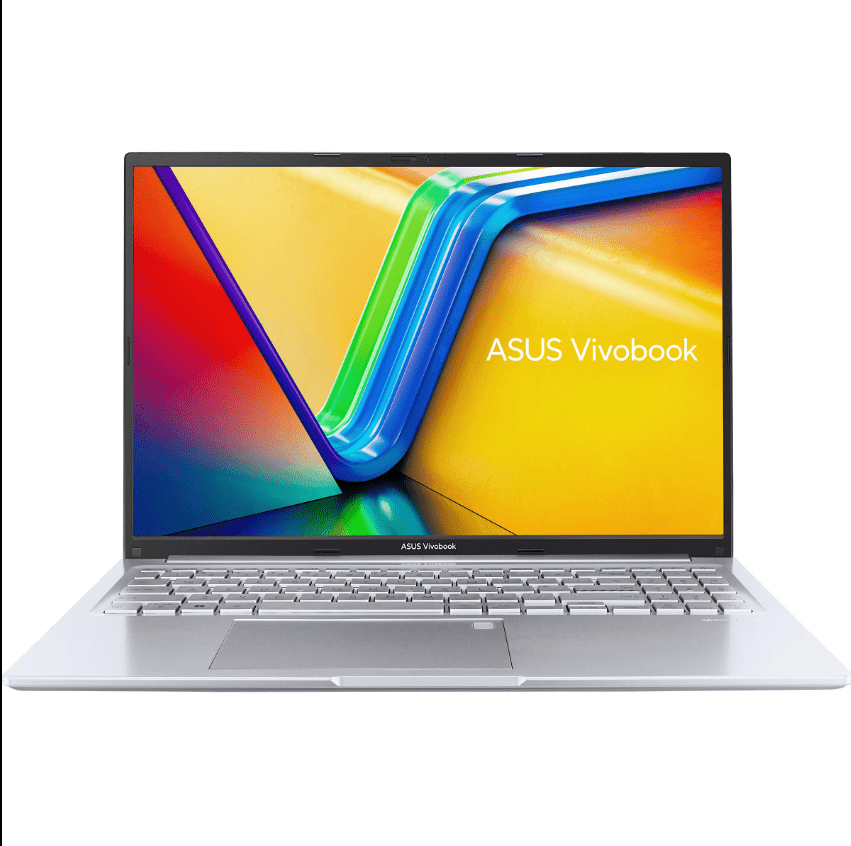
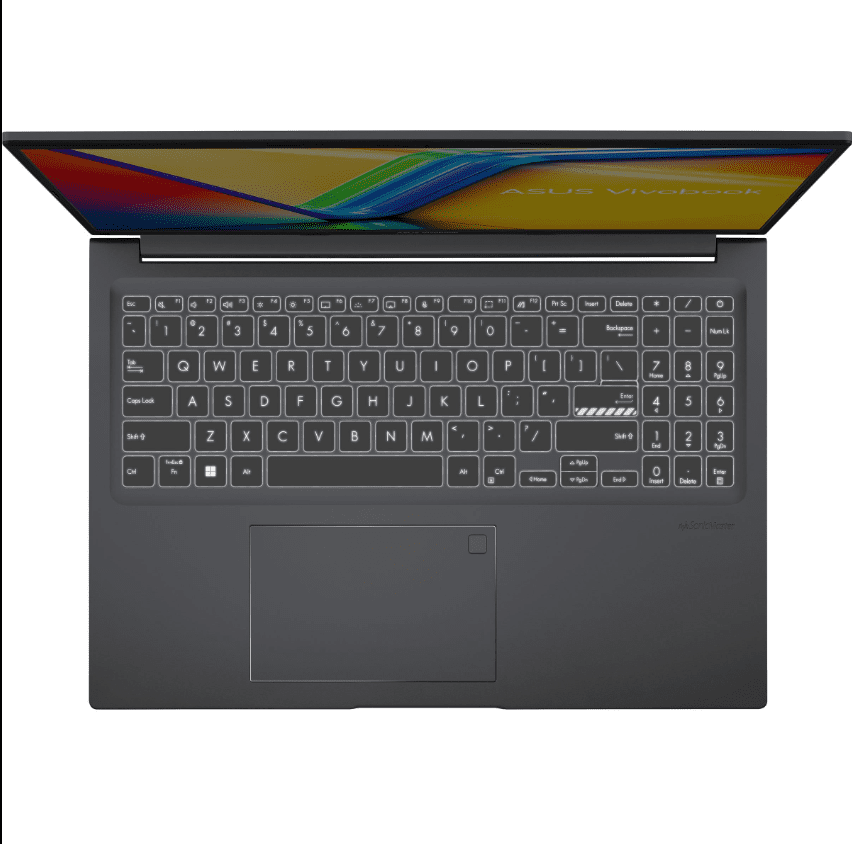
This is the one developers consistently keep recommending across Reddit and YouTube reviews. It just handles everything without drama.
Developers on Reddit report running VS Code + Docker (2 containers) + Chrome with ~15 tabs smoothly. No major stutters while switching between apps.
Multiple YouTube reviews also show fast compile times for medium-sized Node projects, with stable thermals under load.
The 16-inch display is underrated — you see more code, fewer scrolls. Big difference in daily use.
✅ Pros (For Coders)
- Handles Docker + IDE + browser multitasking easily
- 16GB RAM means no memory bottlenecks
- Larger screen = better code visibility
- Keyboard is comfortable for long coding sessions
❌ Cons
- Multiple verified buyers report battery dropping to ~50–55% after a 3-hour coding session
- Not the lightest for carrying daily
Best for: Full-stack devs, backend devs, heavy multitaskers
Check Price on Amazon → ASUS Vivobook 16
💻 Lenovo IdeaPad Slim 3 (Ryzen 5 5500U)
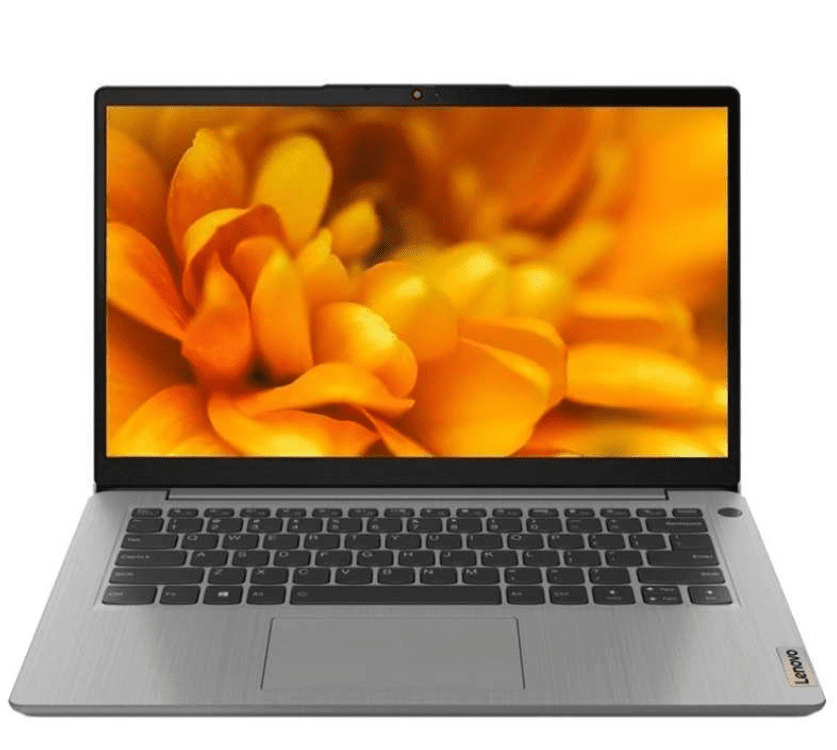
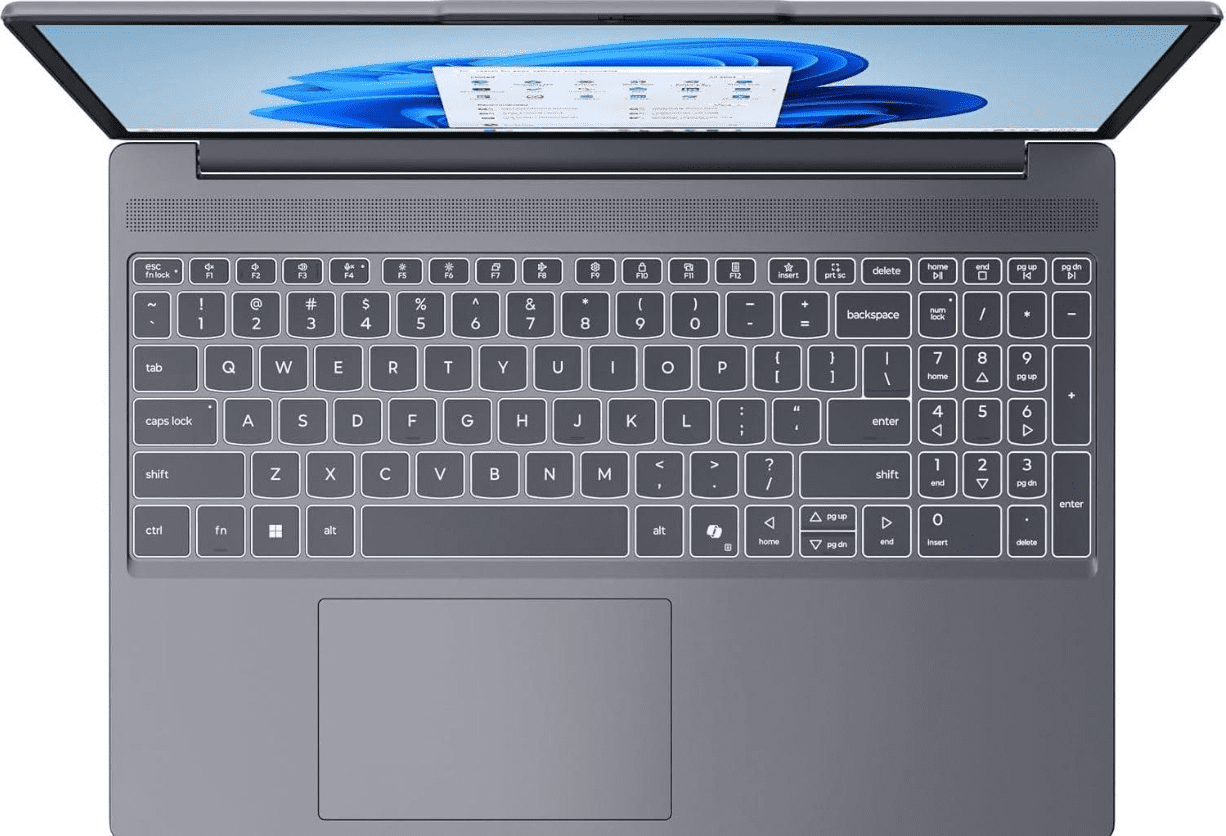
This one surprised a lot of users online.
For basic workflows like VS Code + Chrome (10 tabs) + light terminal usage, most buyers say it runs perfectly fine.
But across Reddit discussions, developers mention that with Docker + multiple tabs + background builds, it starts slowing slightly. Not unusable, but noticeable.
Battery is better though — multiple verified buyers report around ~65% left after a 3-hour coding session.
✅ Pros (For Coders)
- Smooth for frontend dev / Python / light backend work
- Great battery backup
- Lightweight — easy for college or travel
❌ Cons
- Struggles with heavy Docker workflows
- Display is average for long coding hours
Best for: Students, beginner coders, web devs
Check Price on Amazon → Lenovo IdeaPad Slim 3
💻 HP Victus 15 (Ryzen 5 5600H)
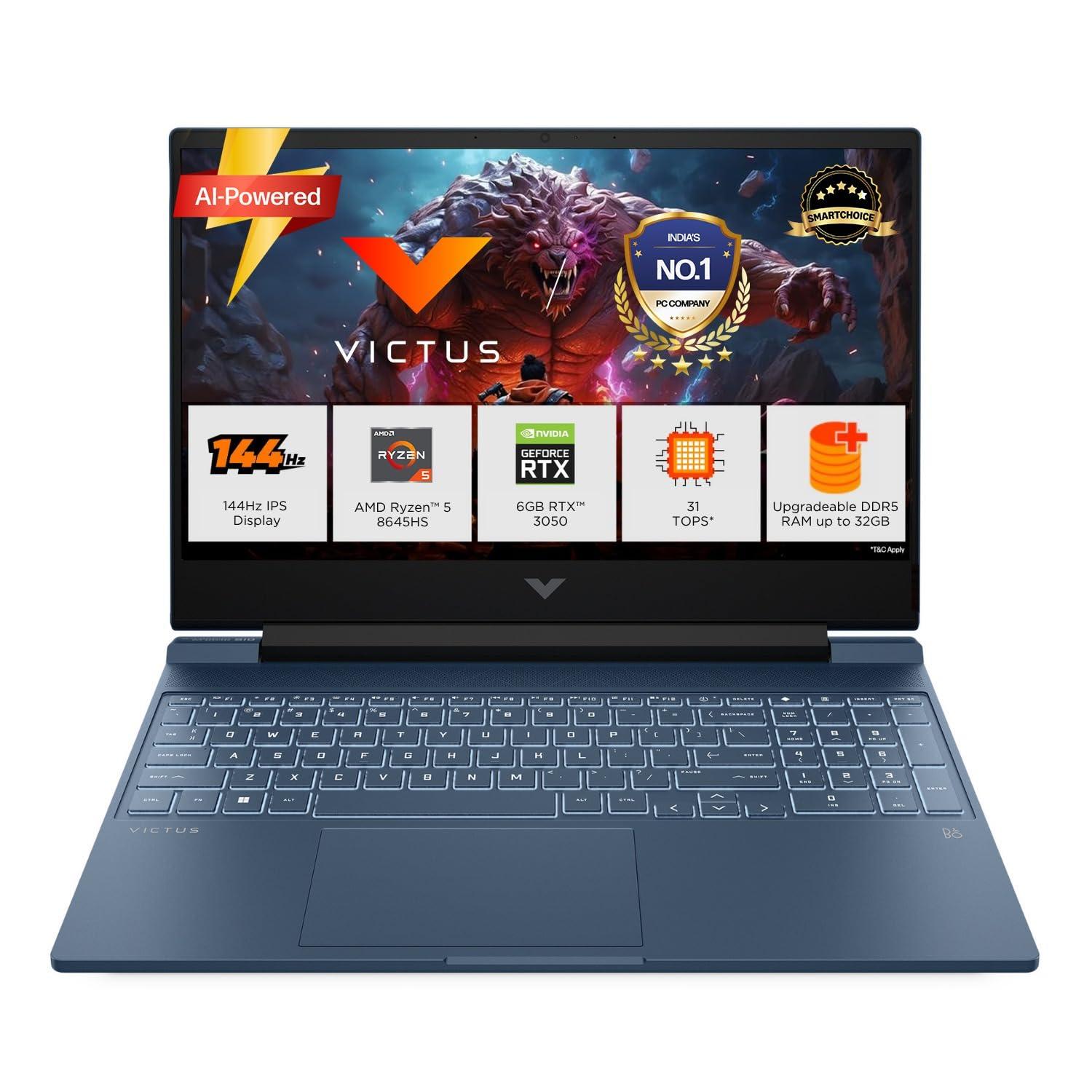
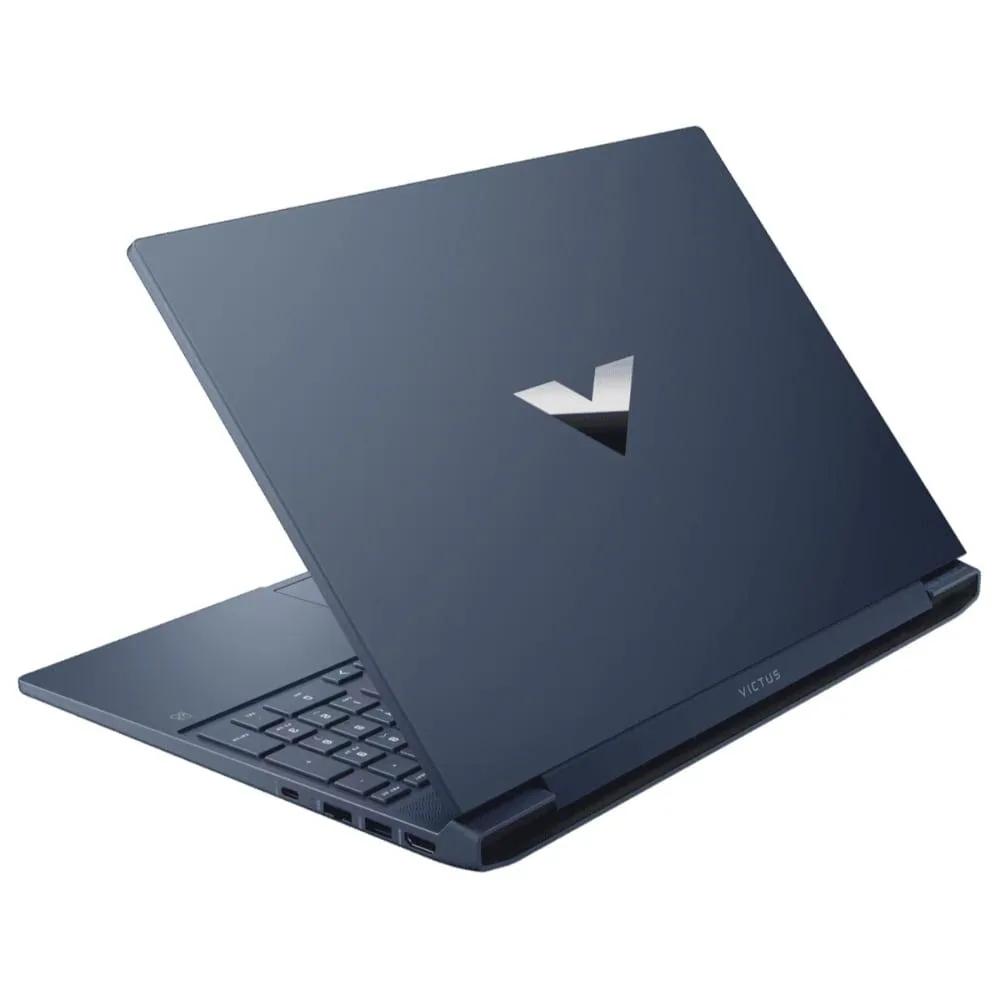
This is the “power machine” in this budget.
Across YouTube reviews and Reddit threads, users report running VS Code + Docker + Chrome (15+ tabs) + background builds without issues.
Even during Java project compilation, performance stays consistent according to multiple reviewers. Cooling system helps — no major throttling.
But yeah… battery isn’t great. Verified buyers mention it dropping to ~40–45% after a 3-hour coding session.
✅ Pros (For Coders)
- Handles heavy builds + Docker + multitasking easily
- Better cooling than slim laptops
- Stable performance during long sessions
❌ Cons
- Heavy — not ideal for daily carry
- Battery drains faster under load
Best for: Advanced devs, backend engineers, heavy workloads
Check Price on Amazon → HP Victus 15
💻 Acer Aspire 7 (Ryzen 5 5500U + GTX 1650)
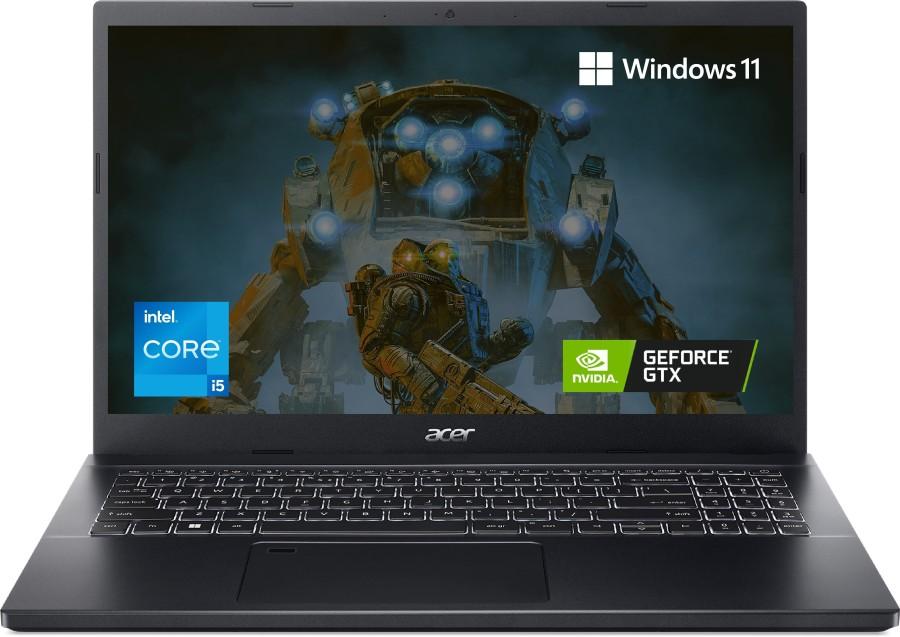
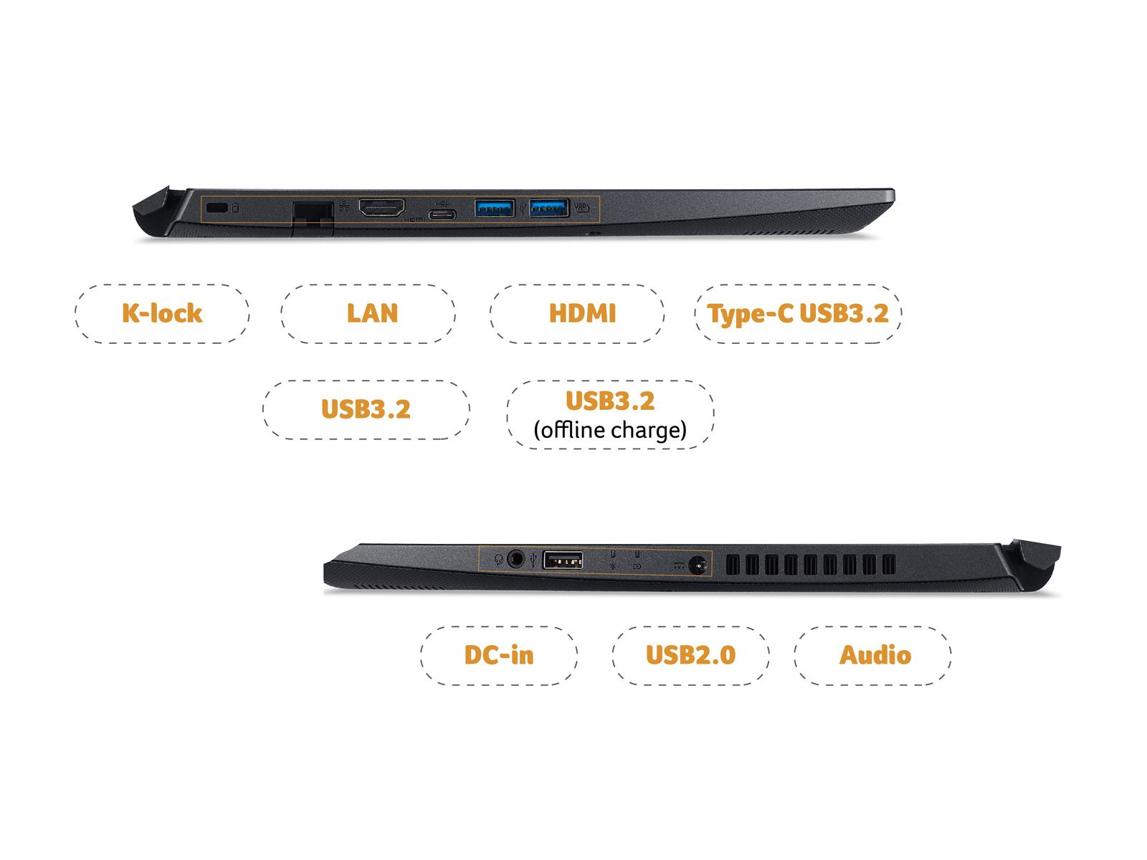
This one is interesting — especially if your coding involves GPU.
For normal dev work, user feedback suggests performance similar to IdeaPad. But reviewers highlight that in ML scripts / GPU-based tasks, it clearly pulls ahead.
Running VS Code + Chrome + light Docker is fine, but CPU isn’t as strong as H-series chips based on multiple comparisons online.
✅ Pros (For Coders)
- Dedicated GPU helps in ML, CUDA, game dev
- Good for mixed workloads (coding + design)
❌ Cons
- CPU not ideal for heavy parallel workloads
- Battery average during dev sessions
Best for: ML beginners, game dev, GPU tasks
Check Price on Amazon → Acer Aspire 7
💻 Dell Inspiron 15 (i5 1235U)
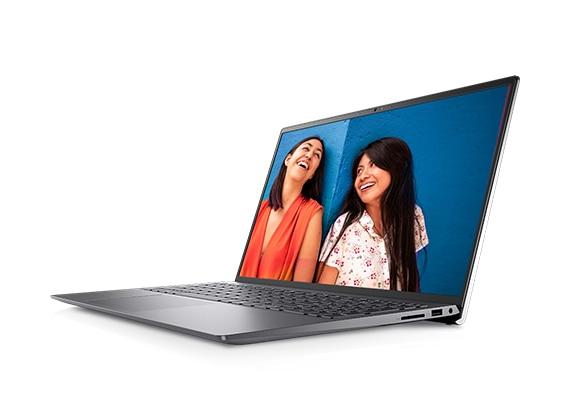
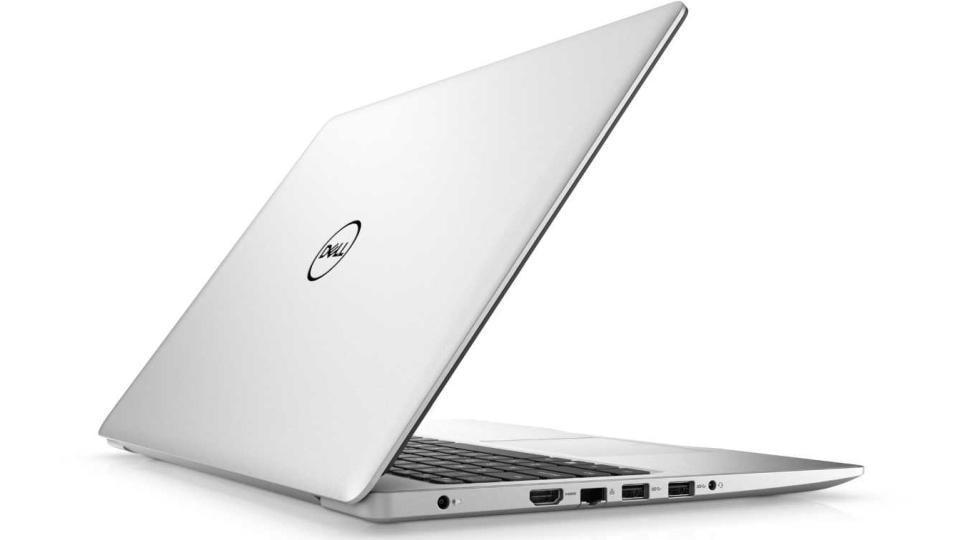
This one is more about consistency than raw power.
Based on user reviews, VS Code + Chrome (10–12 tabs) runs smoothly. But once Docker is added, many users report it feeling slightly slower compared to Ryzen H-series laptops.
Battery performance is decent — verified buyers report around ~60% remaining after a 3-hour coding session.
✅ Pros (For Coders)
- Stable performance for daily coding
- Good thermals (doesn’t heat aggressively)
- Reliable after long usage
❌ Cons
- Not ideal for heavy builds or Docker-heavy workflows
- Slightly overpriced for performance
Best for: Developers who want reliability over power
Check Price on Amazon → Dell Inspiron 15
🚫 Who Should NOT Buy These Laptops?
- ❌ If you run multiple Docker containers + Kubernetes locally → go higher budget
- ❌ If you do heavy Android development (emulator + builds) → need stronger CPU
- ❌ If you want MacOS (iOS dev) → MacBook hi lena padega
- ❌ If you train large ML models locally → GPU laptops above ₹80k
🏁 Final Verdict — Which One Should You Buy?
If you want a no-nonsense coding machine under 65k:
👉 ASUS Vivobook 16 (Ryzen 5 5600H) is the best choice
Why?
- Handles real dev workloads smoothly
- No lag with Docker + Chrome + IDE
- Big screen improves daily productivity
If budget is tight → Lenovo IdeaPad Slim 3
If you want max power → HP Victus 15
🛒 Buying Tips for Coders in India
- ✔️ Always go for 16GB RAM (Docker + Chrome eats RAM fast)
- ✔️ Prefer H-series processors if you compile code often
- ✔️ Check keyboard quality — you’ll type for hours daily
- ✔️ Look for Amazon bank offers / EMI (can save ₹3–5k)
- ✔️ Ensure service center availability in your city
If your budget is tighter, check 👉 🏆 Best Laptops Under ₹50,000 in India (2026): 5 Picks That Are Actually Worth It
Some links in this post are affiliate links. If you buy through them, GadgetWheels may earn a small commission — at no extra cost to you.